User Login Process
Every time the user wants to apply for a new request or view any result of the system, they need to log in.
Login
-
Visit the login page.
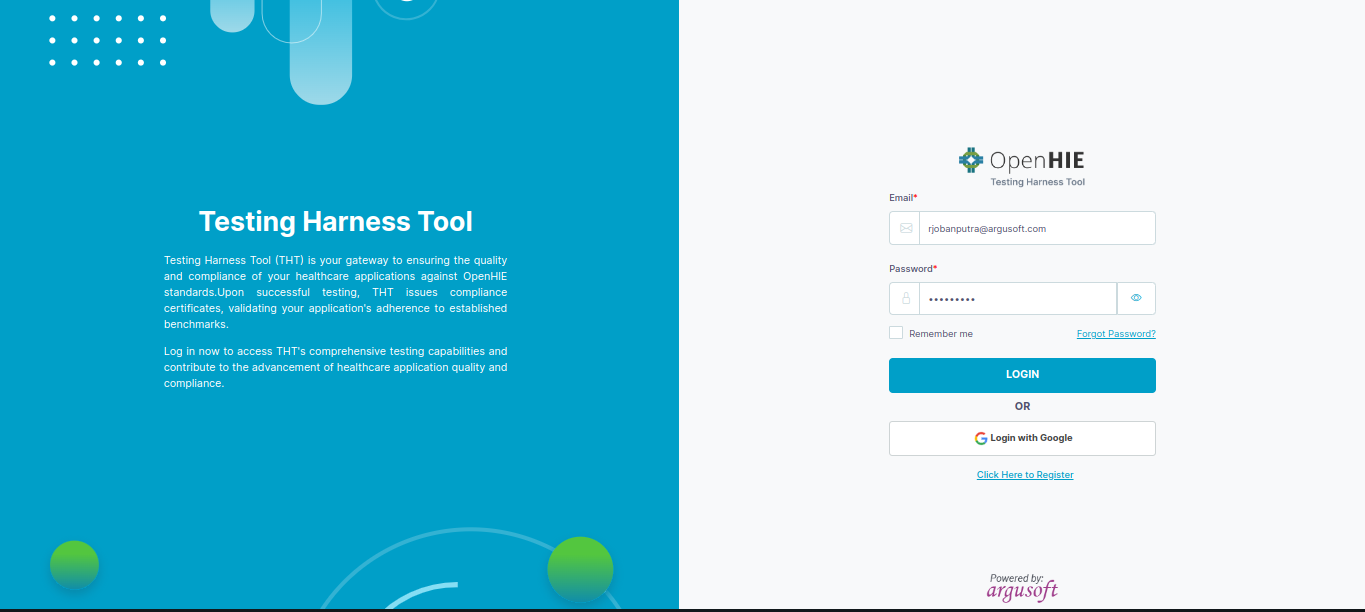
-
Enter the credentials, and the assessee will land on the home page.
Post-Login
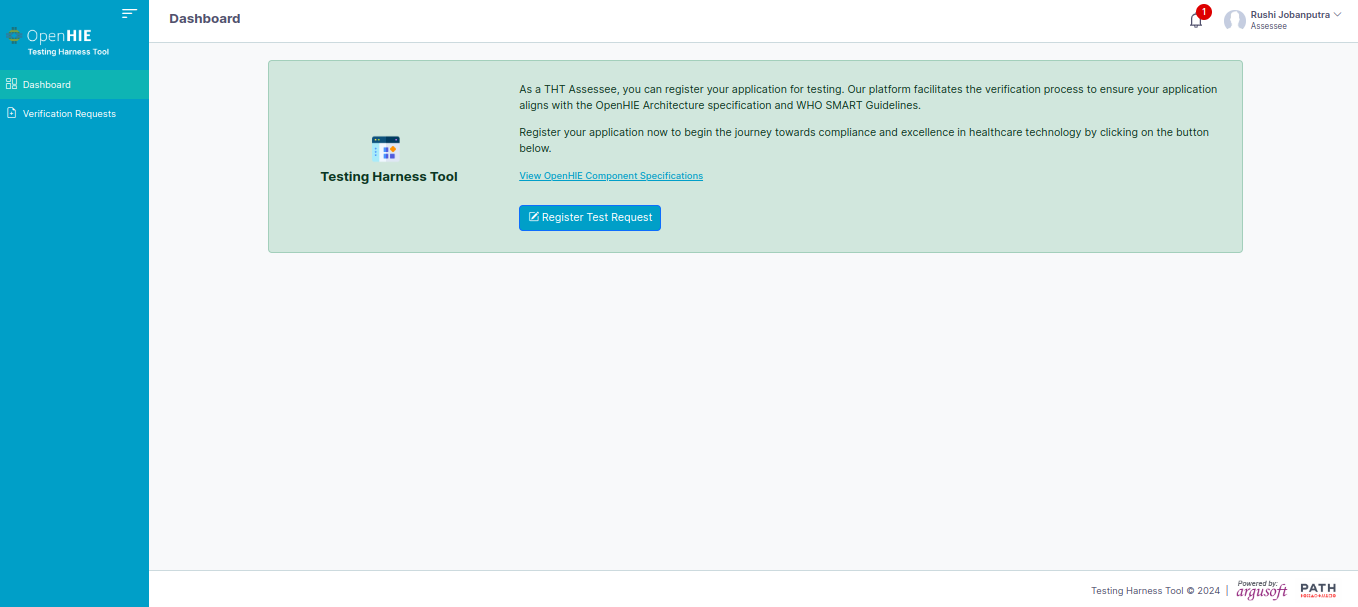
- From the home page, the user can:
- Apply for a testing request
- View the report of previously applied testing requests